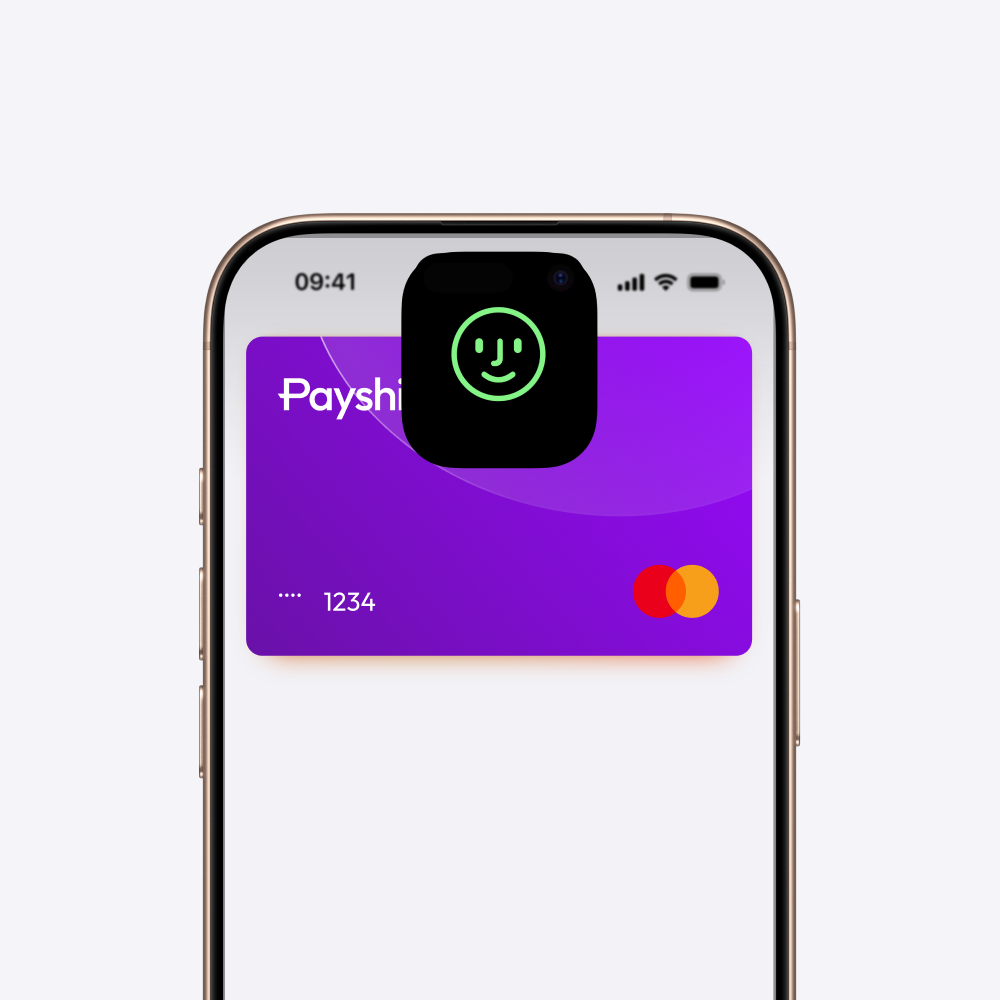
Pay securely with Payshift and Apple Pay.
A simple, secure, and private way to pay in stores, in apps, and on the web.

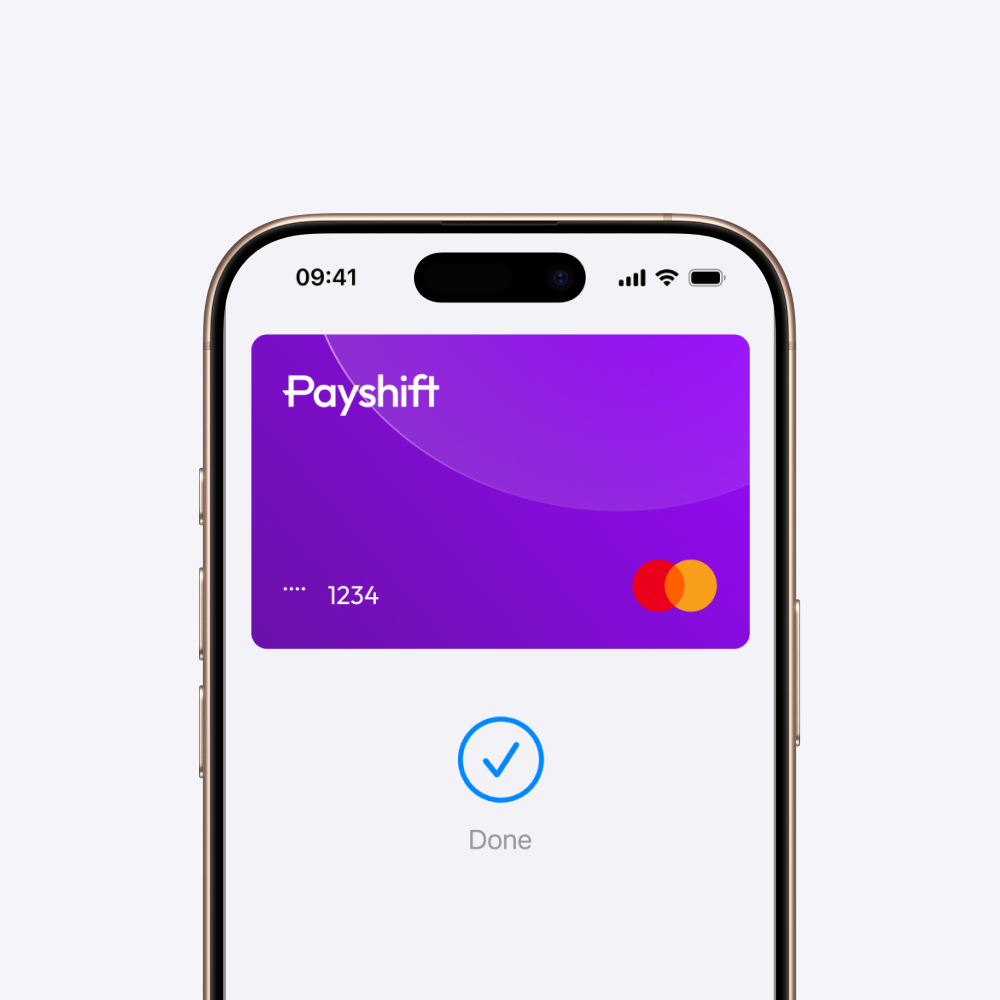
The easiest and most secure way to pay.
Security and confidentiality
When you make a purchase, Apple Pay uses a number that's unique to your device and a unique transaction code. Your card number is never stored on your device or on Apple servers.
Contactless payment
No more looking for your card. Pay instantly with the device you already have with you.
Everywhere, all the time
Use Apple Pay everywhere you see this symbol:

Apple Pay and Apple Wallet are trademarks of Apple Inc., registered in the United States and other countries and regions.
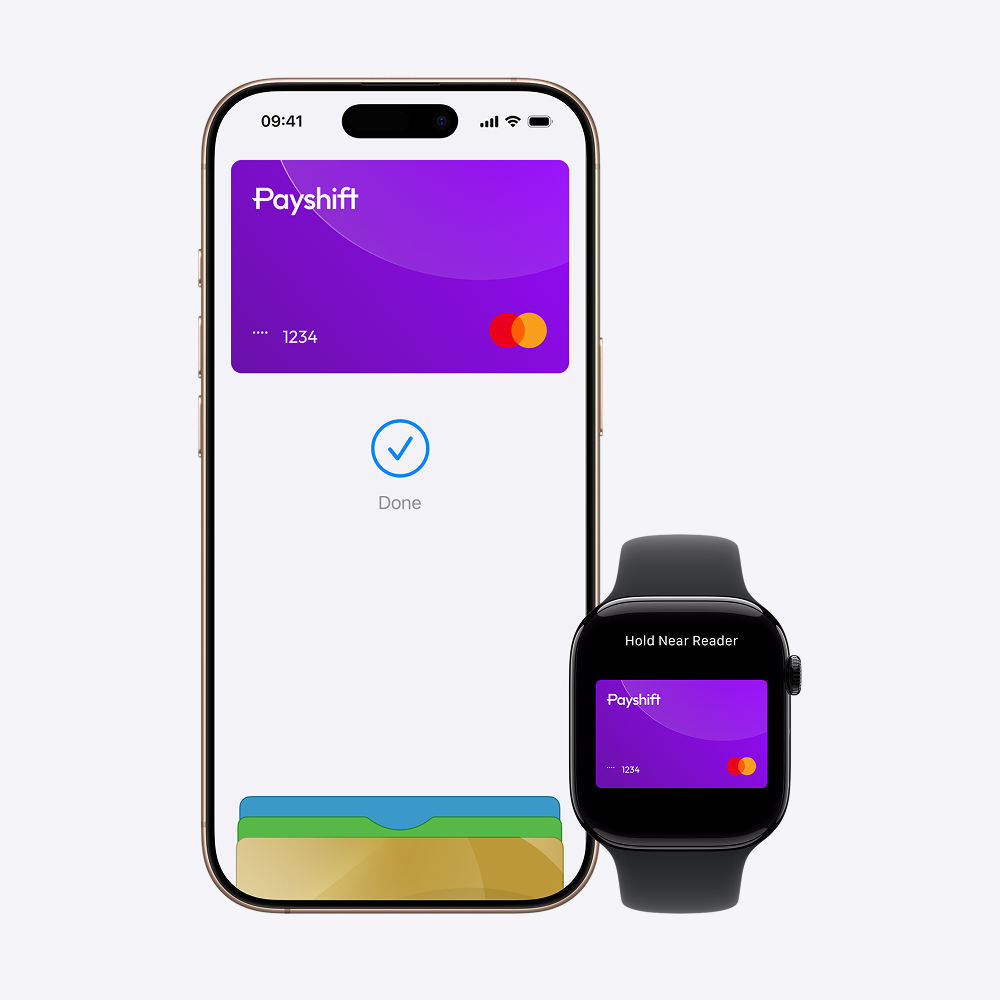
Apple Pay on one.
Apple Pay on all.
Apple Pay is built into iPhone and Apple Watch. If you add your Payshift card on Apple Wallet on iPhone, you'll have the option to add it on your other Apple devices in one easy step.
Designed to be secure.So only you can pay.
Every Apple Pay transaction requires authentication through your device’s built-in security features — including Face ID, Touch ID, and your passcode. Your card numbers are never stored with merchants or shared with Apple servers. And if you misplace your iPhone, you can quickly mark it as lost on Find My to suspend your Payshift card.