
Add your card to Apple Wallet
Set up your Payshift card in the Wallet app in seconds.
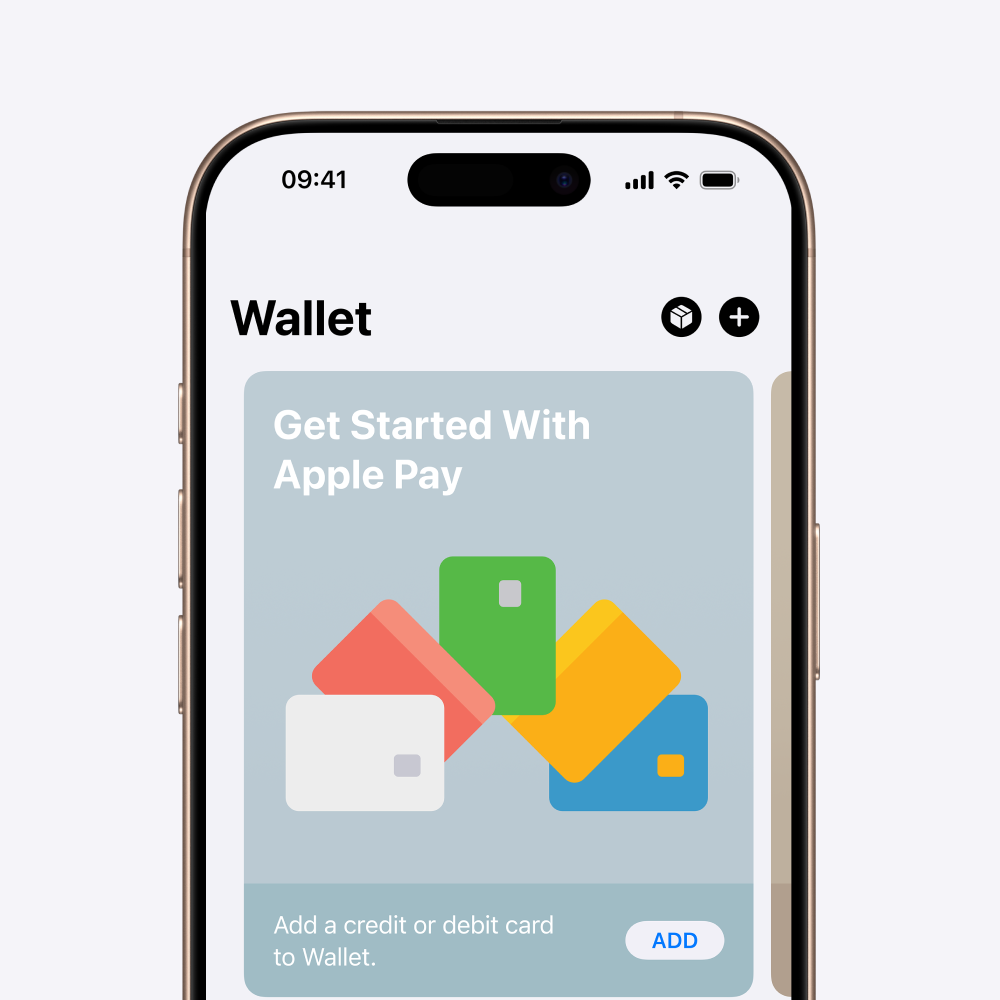
To add your third-party payment card to Apple Wallet (iPhone), follow these steps (it takes ~1 minute):
01
Open the app Cards (Apple Wallet) on your iPhone.
02
Press the icon + (top right).
You may be asked to sign in with your Apple ID.
03
Select Add a new card.
04
Press Debit or credit card, then on Continue.
05
To add card details, enter them manually.
06
Read the issuer terms and conditions then click Accept.
07
Select the verification method (SMS).
08
You receive a Payshift SMS with a code: enter it to add your card to your Apple Wallet and activate payments with Apple Pay. If you do not receive the text message, click on the link provided to call a support number and complete the activation.
Once complete, you will receive a confirmation SMS: your card is ready to be used with Apple Pay.
Apple Pay and Apple Wallet are trademarks of Apple Inc., registered in the United States and other countries and regions.